Static sites that check themselves
Kilim turns Markdown into plain HTML with zero JavaScript by default, and checks SEO, links, images and page weight on every build.
npm create kilim@latest
$ npm create kilim@latest my-site -- -t docs
Created a Kilim docs site in my-site.
$ npx kilim build
Built 9 pages to dist in 341ms.
$ npx kilim check
Checked 9 pages: no problems.
Built on tools you already trust
- JavaScript by default
- 0 KB
- Lighthouse on every starter
- 100
- checks on every build
- 16
- command to deploy
- 1
Why Kilim
Fast pages, caught mistakes
Everything a content site needs, decided at build time, so the pages you ship are only HTML and CSS.
Pages built from blocks
A landing page is a list of blocks in its frontmatter, rendered by your theme. This page is one. Reorder them in the admin with a live preview.
blocks:
  - type: hero
    title: Static sites that check themselves
  - type: features
    layout: bento
Zero JavaScript by default
Pages ship as HTML and CSS. A plugin that needs a script says so, and the build lists the pages it runs on.
Typed content
Collections have schemas, so a wrong date or a missing field fails the build instead of the page.
Deploy with one command
kilim deploy builds, checks and pushes your site to a branch for GitHub Pages.
export default defineConfig({
  url: "https://example.com",
  deploy: git({ branch: "gh-pages" }),
});
An editor on localhost
kilim dev comes with a rich text and block editor that writes plain Markdown. It never reaches the built site.
Search without a server
A static index and a small script, added only to pages with a search box.
Ready for AI tools
Sitemaps, feeds, structured data, Open Graph images and llms.txt from the same build.
kilim check
Mistakes fail the build, not your visitors
Every build can be audited before you publish it. Run the same checks in CI, and problems show up on the pull request next to the Markdown that caused them.
- Titles, descriptions and canonical URLs
- Internal links, anchors and redirect chains
- Image alt text, sizes and page weight budgets
$ npx kilim check
warning: content/about.md: page has no description; set `description` in its frontmatter or in kilim.config.ts. [meta/description-missing]
error: dist/blog/index.html:14 (from content/blog/index.md): link "/blgo/" leads to no page or file of the build. [links/broken-internal]
Checked 12 pages: 1 error, 1 warning.
Collections
Your content has a schema
Describe each collection with Zod. Kilim checks every file against it, gives your layouts real types and builds the admin's forms from it.
- Errors name the file and the line
- kilim types writes types for your layouts
- Drafts, scheduled and expiring posts built in
export default defineConfig({
  title: "My blog",
  url: "https://example.com",
  collections: {
    blog: {
      permalink: "/blog/:year/:slug/",
      schema: z.object({
        title: z.string(),
        date: z.date(),
        draft: z.boolean().optional(),
      }),
    },
  },
});
Admin
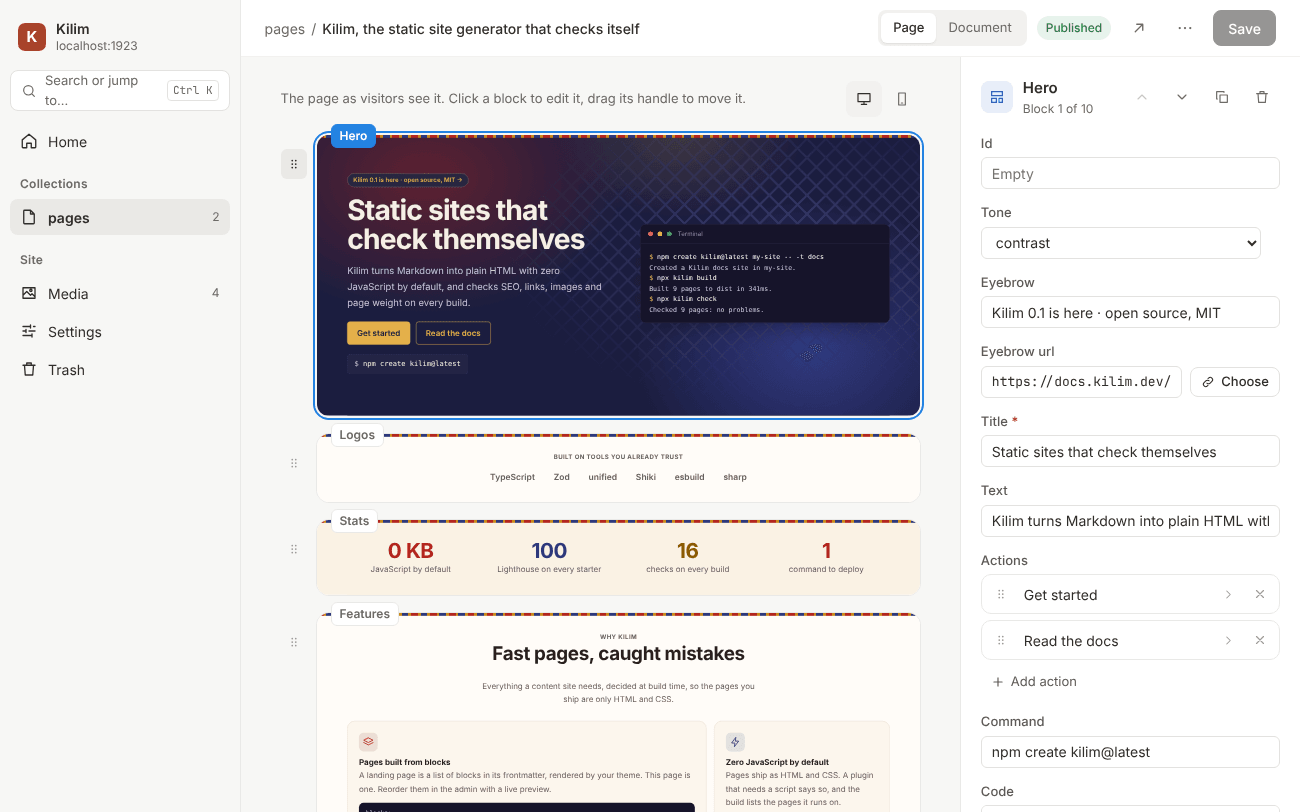
Edit pages the way visitors see them
kilim dev opens an editor at localhost:1923/admin/. Each block is drawn by your theme, so you rearrange the real page, and saving writes plain Markdown with only the lines you changed.
- Drag blocks, edit their props in forms from the schema
- Rich text that stays Markdown, with your components
- Media, settings and trash, on your machine only
Quick start
Start in a minute
You need Node.js 22.18 or later. The dev server opens at localhost:1923, with the editor at /admin/.
Create a site
Pick the blog, landing or docs starter.
npm create kilim@latest my-siteStart the dev server
Pages reload as you save.
cd my-site
npm install
npm run dev
Build, check, deploy
Push to a branch for GitHub Pages, or upload dist anywhere.
npx kilim build
npx kilim check
npx kilim deploy
Starters
Start from a template
Each template is a complete site you can build, check and deploy right away. These are their real pages.
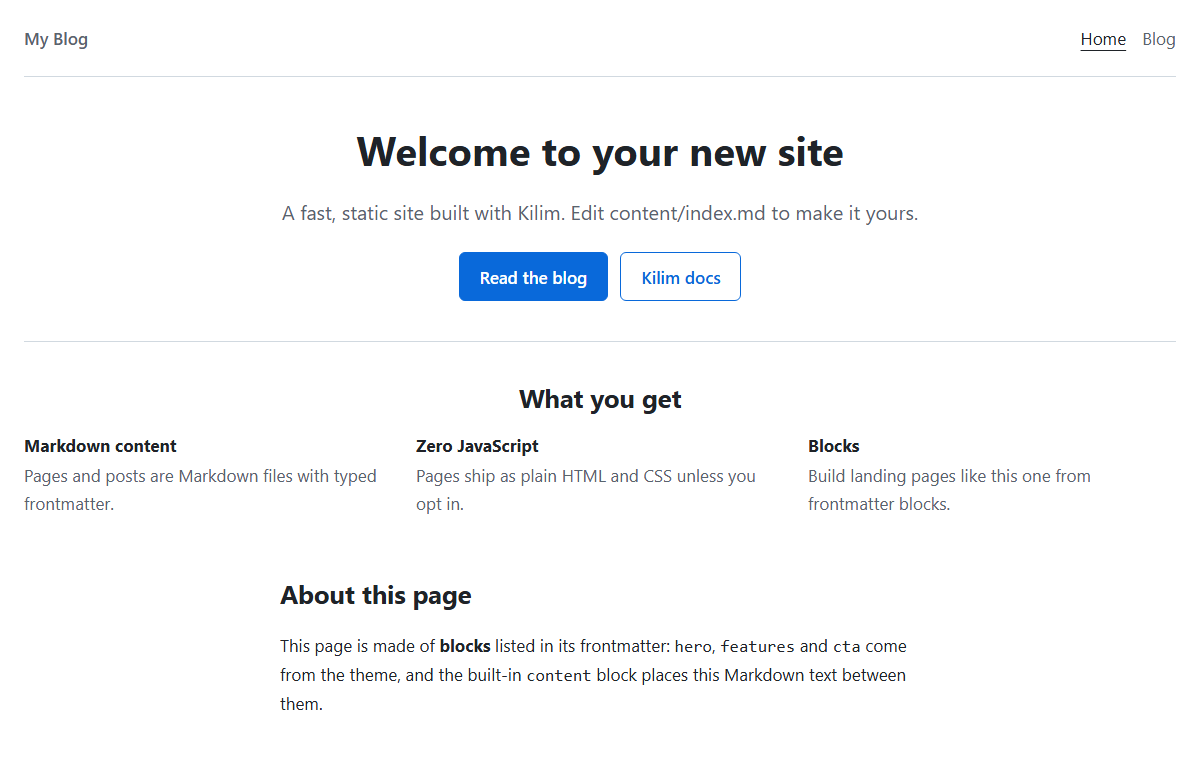
Blog
A home page made of blocks and a blog.
- Paginated post list
- RSS feed
- Dates in your time zone
npm create kilim@latest -- -t blog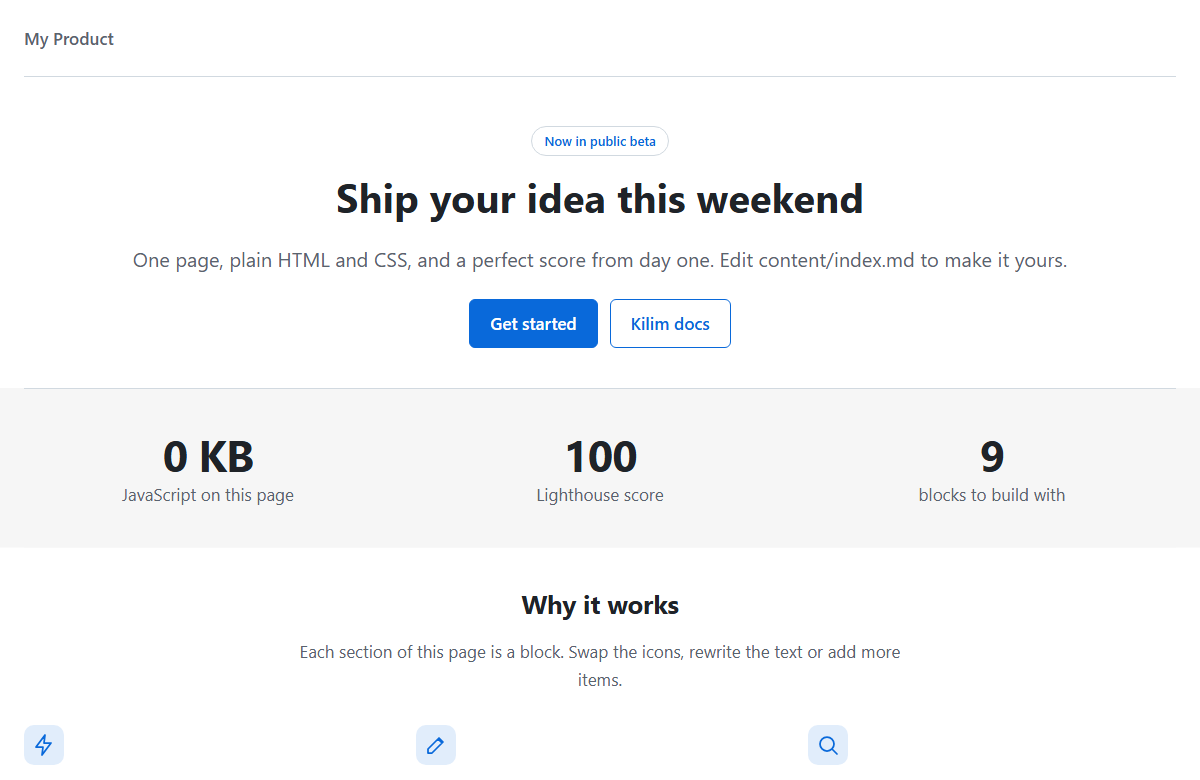
Landing
A single page for a product or a project.
- Hero, stats, features and more
- Your Markdown between the blocks
- Drag and drop blocks in the admin
npm create kilim@latest -- -t landing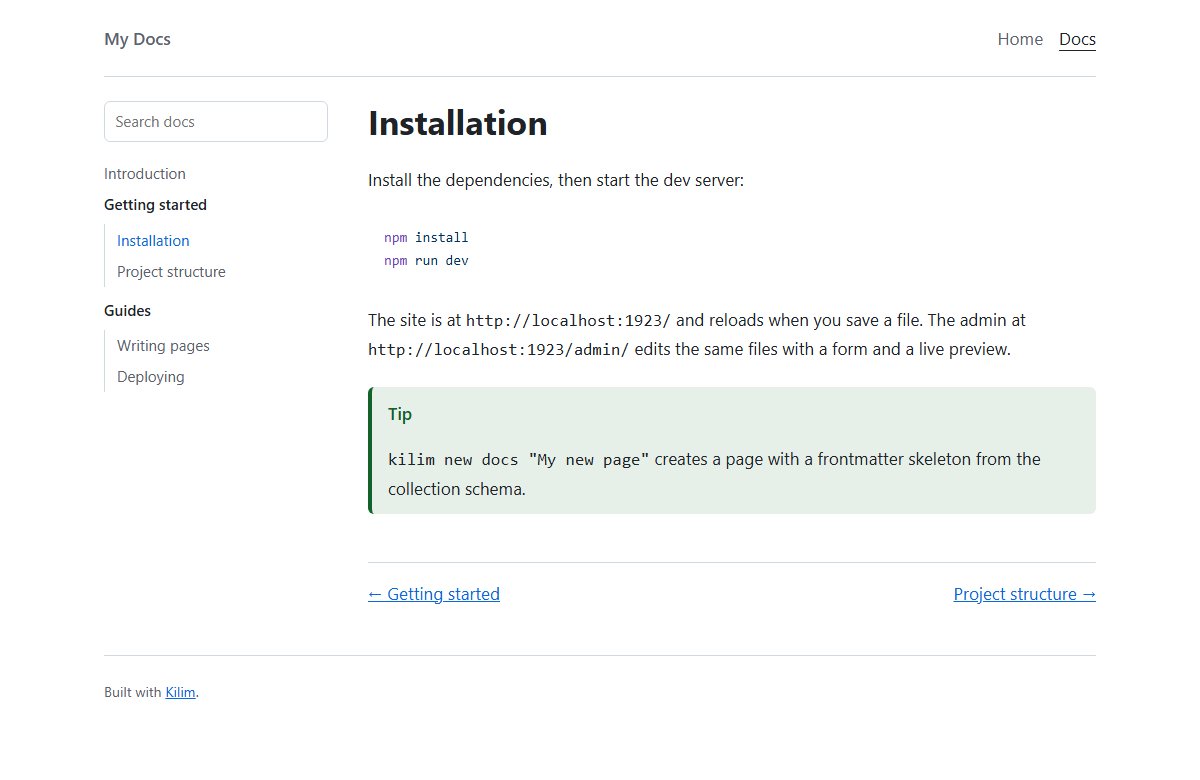
Search included
Docs
Documentation with a sidebar from folders.
- Search without a server
- "On this page" and next/previous links
- llms.txt for AI tools
npm create kilim@latest -- -t docs
FAQ
Questions
Does my site need a server?
No. kilim build writes static files to dist/, which any static host can serve. The admin and the dev server only run on your machine.
Is there really no JavaScript?
Not unless you ask for it. The search plugin adds a small script only to pages with a search box, and the build tells you which pages those are.
Where can I deploy?
kilim deploy pushes to a git branch for GitHub Pages and similar hosts, and uploading dist/ by hand works everywhere.
Cloudflare Pages, S3, SFTP and FTP adapters are included as experimental in 0.1.
Can I bring my own design?
Yes. Extend the default theme and replace a layout, a partial or a block, or start a theme of your own with kilim theme new.
Weave your next site with Kilim
Guides for content, themes, plugins and deploying, and a reference for every option.
npm create kilim@latest